Not receiving a Bybit Secure Transaction Approval notification on your primary phone? Open its Bybit App and check Security → Secure Transaction Approval for a pending request. A missing push does not prove that no request exists. Compare the Request ID and transaction details before approving; if it expired, start a new request.
Official Bybit guidance checked 27 September 2026. Menus and verification may vary by account, device and region.
First identify the device that should receive the request
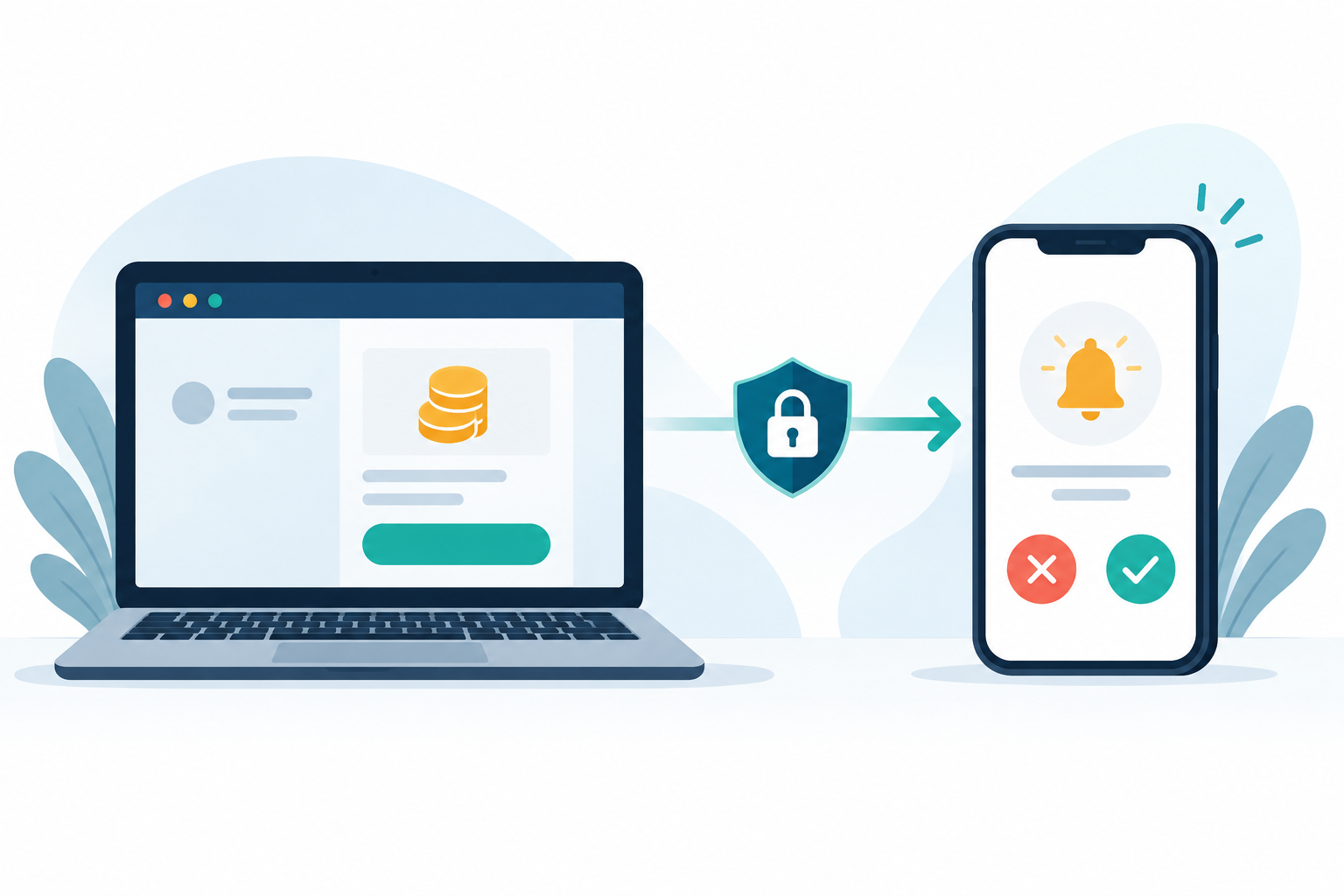
Secure Transaction Approval is separate from a passkey or sign-in alert. It designates one phone as the primary device. Bybit says a withdrawal or other covered transaction started on a secondary device or website sends an approval request to the primary phone’s Bybit App. A new phone or laptop does not automatically become the approver. Reject any request you did not initiate.
If you never activated the feature, there may be no primary device. Bybit says app activation requires the main account, at least Standard Identity Verification, Passkey or SMS, and email or Google two-factor authentication. Check your own security settings for its actual status.
A safe check when the push notification does not appear
- Identify the transaction. Confirm that you initiated it on Bybit’s official site or app. Otherwise, do not approve it or follow a message link.
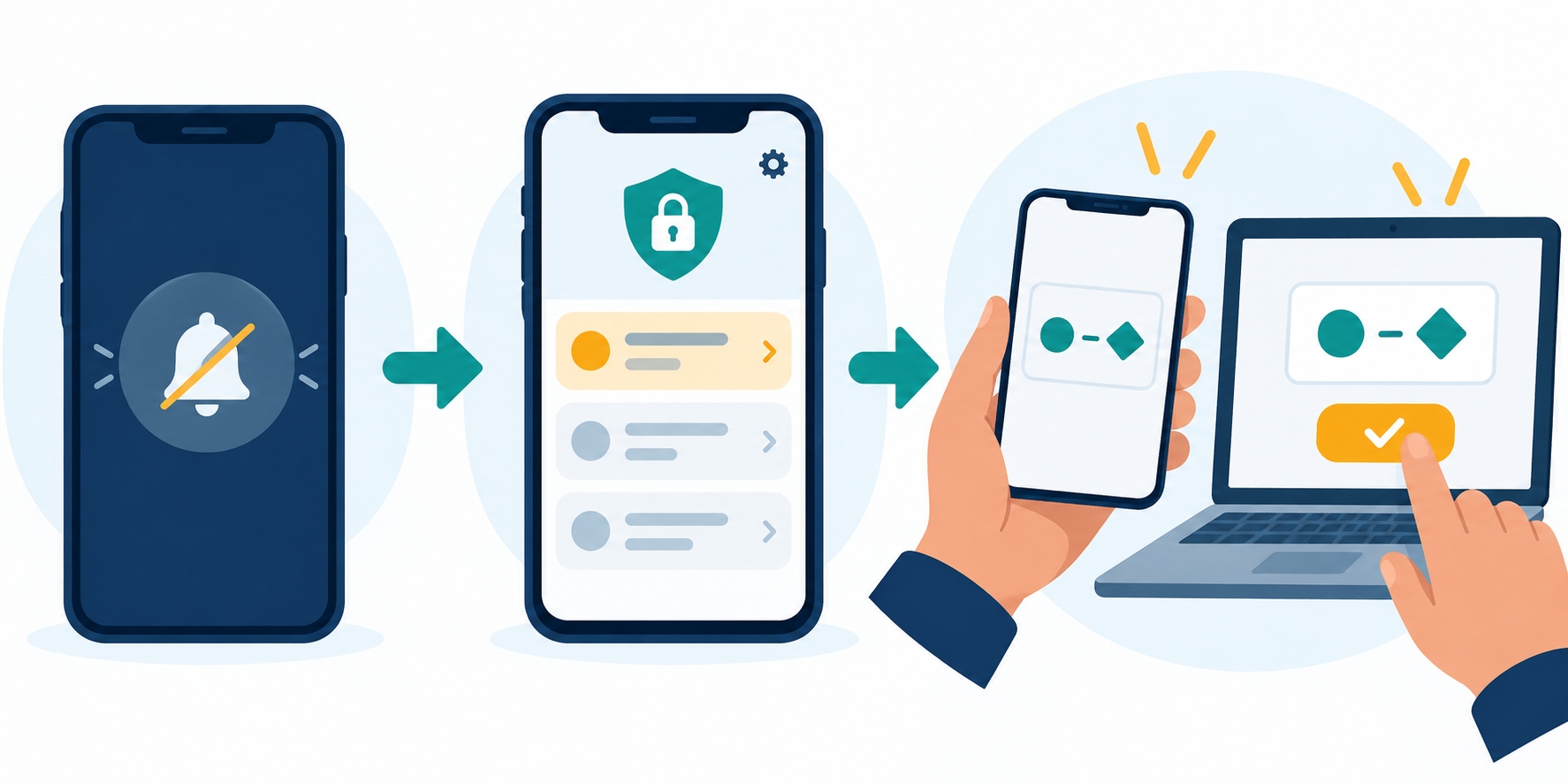
- Open the primary phone’s app. Bybit advises checking Security → Secure Transaction Approval for pending requests when the push is missing. Checking phone notifications or connectivity is reasonable, but does not establish whether a request exists.
- Match the request. Compare its Request ID and displayed transaction details with your intended action. Reject a mismatch.
- Finish only a current match. Bybit’s secondary-device flow involves a six-digit code and separate primary-device approval. Follow your account’s prompts; never share a code with another person or website.
- Respect expiry. Bybit says an expired request must be submitted again. Do not reuse an old code or approval.
If the primary phone is lost or unavailable
A lost primary phone is different from a silent push. Do not assume that reinstalling the app transfers approval authority. Bybit documents viewing device details under Account → Security → Advanced Protection, then using Disable beside Secure Transaction Approval and completing security verification to remove the primary device. Availability depends on your account. Do not disable protection just to rush a transaction.
If you cannot complete verification, use official Bybit support; the cited guide offers no universal bypass. If that phone also held your passkey, see our lost-phone passkey guide for the separate sync and authenticator checks.
What each symptom usually means—and what it does not prove
| What you see | Next check | Do not assume |
|---|---|---|
| No push; primary phone available | Check pending requests in the app’s security settings. | No notification means no request. |
| ID or details mismatch | Reject and review account security. | The request is safe because its screen looks familiar. |
| Request expired | Submit a new request and check its ID. | An old code can be reused. |
| Primary phone lost | Review official device management and verification. | The replacement phone is already primary. |
Prevent approval mistakes before the next transaction
Bybit advises reviewing trusted devices and checking the authenticity of Bybit-related sources. Use a saved official address, keep the primary phone under your control, and read every request before Approve. These steps reduce risk but cannot guarantee account or asset safety; custody, phishing, operational and regulatory risks remain.
Quick answers
Can I approve from the new phone instead?
Not automatically. Check your designated primary device and Bybit’s management and verification path.
Is the six-digit code the same thing as the approval push?
No. The documented secondary-device code and primary-device approval are separate steps. Never disclose the code to someone offering to fix a stuck request.
What if the request is not mine?
Reject it, review trusted devices and recent activity on the official site or app, and contact official support if access looks suspicious.
Sources, affiliation and risk
Official sources checked 27 September 2026: Bybit Secure Transaction Approval guide (updated 19 August 2026) and Bybit account-security guide (updated 23 May 2026). ByDITT independently organised the checks. Recheck live account screens as policies and eligibility may change.
ByDITT is an independent educational and affiliate site, not Bybit.com. We may be paid if an eligible new reader registers through our link. New users only: if considering Bybit, open the BYBITDC partner registration page and verify the code, fees, terms and regional eligibility shown before joining. This link cannot fix an existing approval problem and guarantees no discount, reward or access. Existing users should use their account-security page and official support.