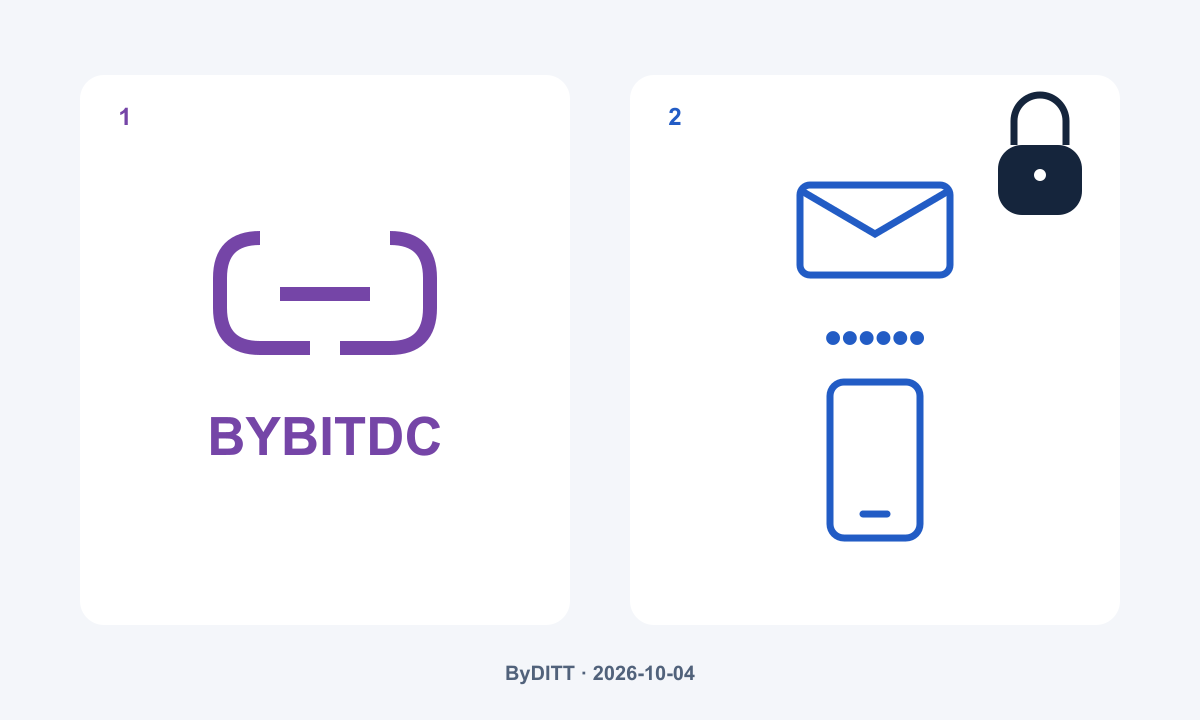
A Bybit signup verification code is not a referral code. If the email or mobile code does not arrive, check the delivery channel, receiving address and message filters before requesting another code. BYBITDC identifies an affiliate relationship; it cannot replace a private verification code or prove a particular trading fee.
Official sources checked: 2026-10-04. ByDITT is an independent educational and affiliate website, not Bybit.com. This guide does not determine whether your location or account is eligible for registration or a product.
Start here: which Bybit code is the screen asking for?
The useful first question is not “Which code gives me a discount?” but “Which field am I trying to complete?” Read the field label and the masked destination displayed by the official site. A missing email message, an incorrect authenticator entry and an empty referral field are different problems. Trying a public invitation code in a security field will not resolve any of them.
| Code or approval | Where it comes from | What it does not prove |
|---|---|---|
| Email verification code | A message sent to the email address used for that verification | It does not select an affiliate or a fee rate |
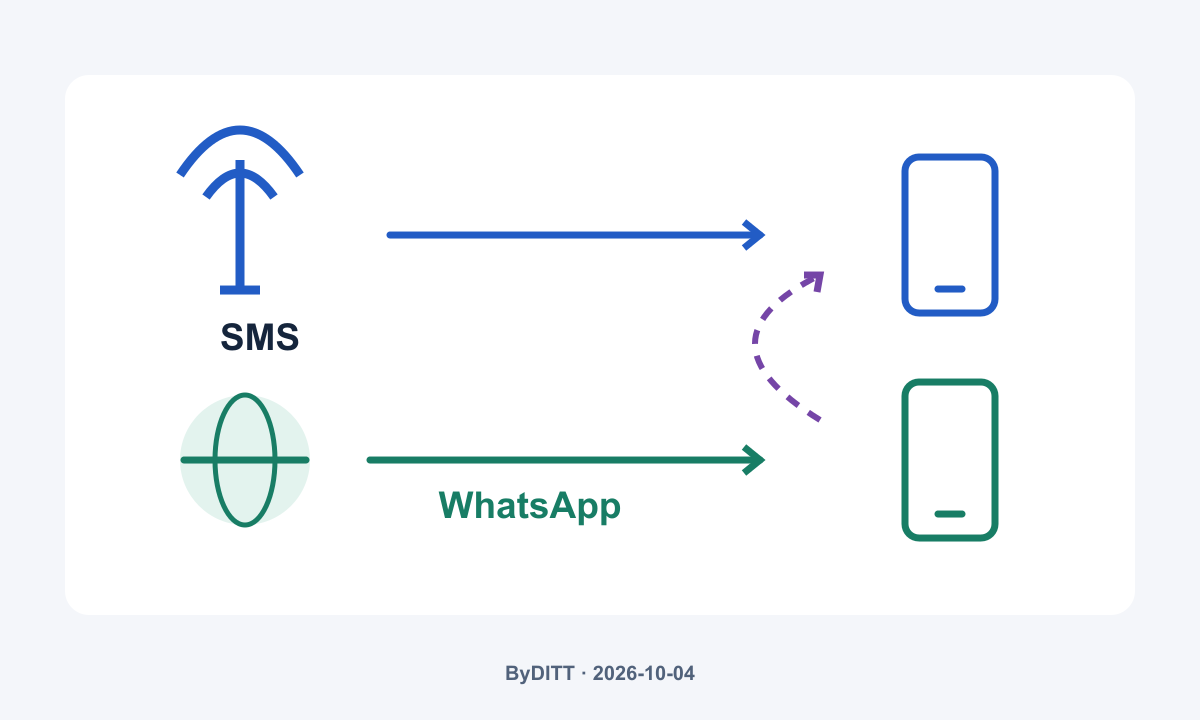
| Mobile verification code | SMS or WhatsApp, according to the available delivery channel | It is not an invitation code |
| Google Authenticator code | A time-based code generated in your linked authenticator app | It is not delivered to your inbox |
| Affiliate or referral code | A public invitation identifier, such as BYBITDC | It does not authenticate you or guarantee a discount |
| Anti-phishing code | Your configured identifying text included in official communications | It is not the one-time code requested by a login form |
| Secure Transaction Approval | An approval on the designated primary device | It is not a missing signup email |
These security mechanisms are described in Bybit Protect. The distinction matters because changing an affiliate code is not a way to repair message delivery.
Bybit email verification code not received: check the receiving path
Bybit’s email troubleshooting guide, updated on 2026-09-30, recommends checking spam, allowing its official senders and checking Apple email forwarding where applicable. It also describes a browser-session test and a pause after excessive requests. These are diagnostic steps, not a promise that every failed delivery has the same cause.
- Compare the address you entered with the masked destination on the verification screen. An inbox you routinely use is irrelevant if the request went to another address. Check for a typing mistake without posting the complete address publicly.
- Search the receiving mailbox and its spam or junk folders. If a filter moved the message, inspect that rule before asking for another delivery. Use the current official sender list when adjusting safe-sender settings; do not trust an address merely because its display name says Bybit.
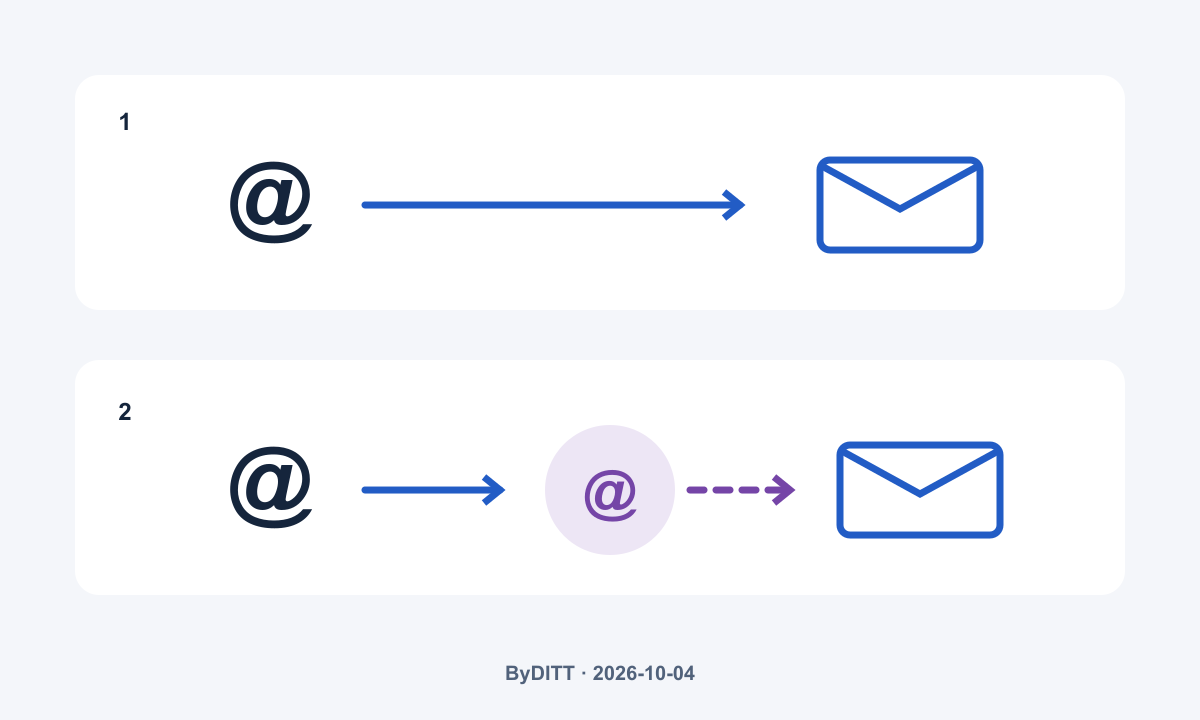
- If Apple “Hide My Email” was used, check whether its generated address forwards to the personal inbox selected for that address. Bybit describes Settings → iCloud → Hide My Email → Forward to. Device menus may differ; verify the actual forwarding destination rather than replacing the account address at random.
The following diagram separates a direct delivery path from a relay path. It is ByDITT’s explanation, not a screenshot of Bybit or Apple. If forwarding is the missing link, repeatedly searching an unrelated inbox will not help.
Bybit SMS or WhatsApp code not received: inspect the correct channel
Bybit says mobile verification can use SMS or WhatsApp. Successful first verification through WhatsApp establishes that channel as the default; unsuccessful WhatsApp delivery can fall back to SMS. Its guide says the initially selected delivery setting cannot subsequently be changed. Do not assume the channel is freely switchable because another tutorial shows a different screen.
For SMS, inspect message blocking, inbox capacity, cellular reception and whether the mobile plan is suspended. For WhatsApp, check internet access, the registered number, normal message reception and notification settings. A working Wi-Fi connection does not establish that carrier SMS delivery works, while good cellular reception does not establish that WhatsApp has internet access.
ByDITT recommends starting with these reversible checks rather than broadly disabling security software. If a protective rule appears involved, inspect the specific rule and use provider support. Do not weaken account authentication, grant remote control or move a SIM at a stranger’s request. A notification being muted and a message not being delivered should also be recorded as different observations.
When should you request another verification code?
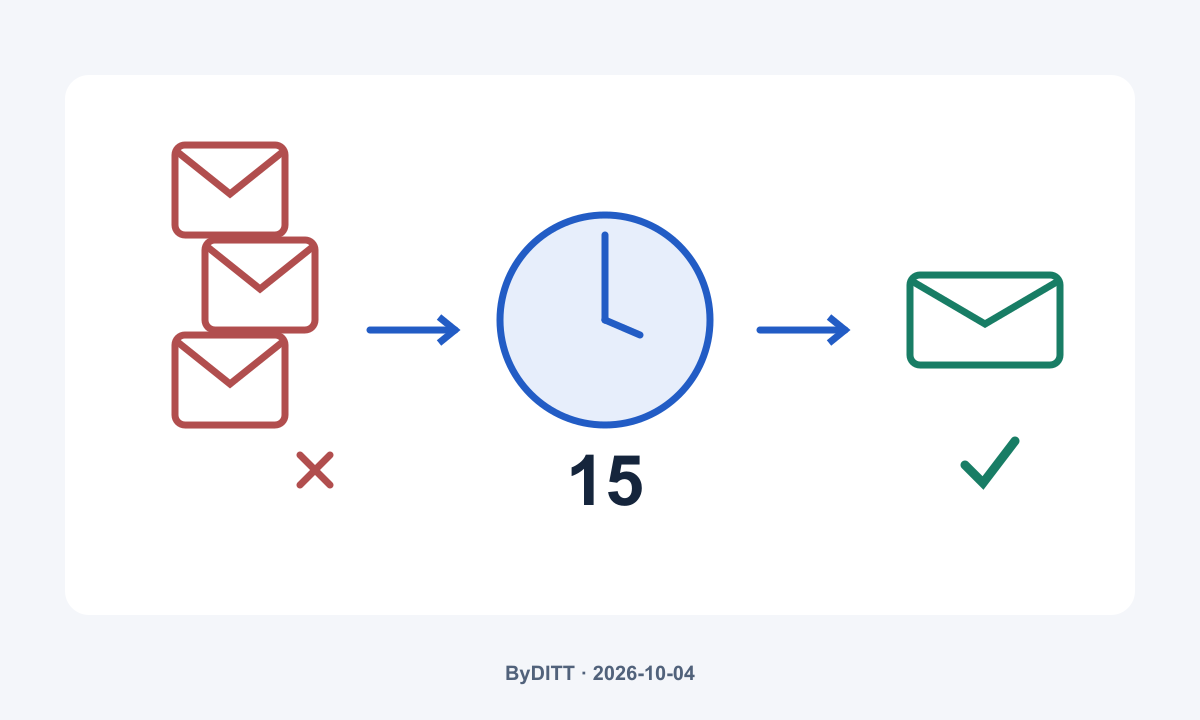
Bybit’s email troubleshooting guidance says excessive requests in a short period can cause a timeout and advises waiting 15 minutes before another request if receipt still fails. This is an email retry instruction. It is not a universal code-expiry period, a guaranteed recovery time or a rule for every SMS and authenticator screen.
During that pause, check the destination and receiving path rather than repeatedly pressing resend. Then make one deliberate request and follow the current screen’s expiry and validation instructions. If delayed messages arrive together, do not submit codes into different sessions at random. Preserve the error text and the request time so that the next check has a clear starting point.
For a browser-session problem, the official email article suggests trying the authentication request in a Chrome incognito session. This does not bypass account security, delivery limits, CAPTCHA or regional eligibility. It may require signing in again. Clearing cookies can end other saved sessions, so it is not a prerequisite for checking the mailbox and should not be your first action.
Keep a small diagnostic record without exposing secrets
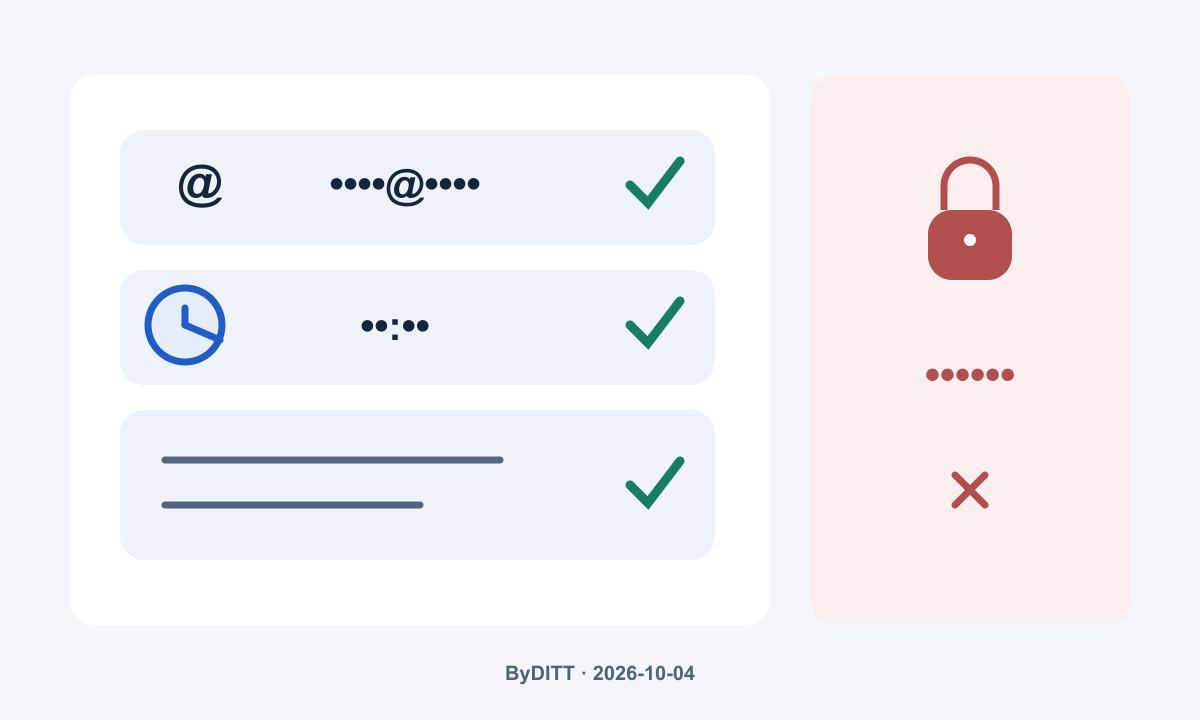
A useful record distinguishes a code that never arrived from one that arrived but was rejected. The first points you toward delivery; the second toward the correct account, challenge, session or authenticator. This is an organizational method developed by ByDITT, not a claim to know the cause of a particular failure.
- Record the step: registration, login, a security change or a transaction approval.
- Record the requested channel and a partially masked destination.
- Record the time and timezone of the last request, the exact error wording and whether a message arrived.
- Record which receiving-path checks you performed and what changed.
- Keep screenshots redacted. Remove verification codes, passwords, authenticator setup keys, recovery information, balances and unrelated account details.
If the issue persists, reach support through the official Bybit Help Center or its support form. The mobile troubleshooting article asks existing users to include their UID in that official request. A person who has not completed account creation may not have a UID; explain that stage instead of inventing one. Do not send a UID or private screenshot to an affiliate comment thread.
What if the Bybit referral code is missing?
That is a separate account-association question, not an email-delivery problem. Bybit describes a limited post-registration affiliate-code process for eligible uncoded Main Accounts within 14 days. Ordinary user referral codes are not supported by that process, other eligibility restrictions apply, and an added affiliate code cannot be cancelled or changed through it. This does not justify deleting an account or creating duplicate accounts to chase a claimed benefit.
For the complete conditions and account checks, use our Bybit referral-code and missing-code guide and the official affiliate-code instructions. Code association, reward eligibility and the actual fee rate are separate facts. Check the account’s fee display for the relevant product rather than treating successful registration as proof of a fixed discount.
ByDITT’s Bybit fee calculator and verification guide covers the cost question. The Bybit registration, KYC and fee-verification guide covers the broader signup sequence. These pages serve different questions; this article focuses on identifying and diagnosing the code step.
Affiliate disclosure: BYBITDC is ByDITT’s affiliate identifier. The BYBITDC registration-page reference is an affiliate link, and ByDITT may receive compensation for eligible activity. It is provided only to identify that public code. Do not enter a private verification code there on someone else’s instruction. No fixed discount, welcome reward or lifetime benefit is promised.
Frequently asked questions about Bybit signup codes
Can I use BYBITDC when the form asks for an email code?
No. BYBITDC is a public affiliate identifier, not proof that you control an email address. Use the private code requested by the official verification screen. Never publish it or send it to a person offering to finish registration for you.
Does a missing verification email mean my referral code was rejected?
No. Missing delivery alone establishes neither affiliate association nor rejection. Resolve the authentication step, then check the account association separately if registration is completed.
Can a Korean reader follow the same troubleshooting steps?
The distinction between delivery channels applies regardless of the language used to read this guide. However, Korean-language content does not establish that registration, KYC, a reward or a product is available in South Korea. Confirm the current official location and account requirements; do not bypass restrictions with a VPN or false information.
Does successful verification mean the account is safe to fund?
No. It confirms only the verification step accepted by the platform. Account controls do not eliminate phishing, market losses, exchange custody or regulatory risk. Derivatives also involve margin and liquidation risk. This guide is not a recommendation to register, deposit or trade.
Official sources and scope of verification
Checked on 2026-10-04. The dates below are the update dates displayed by the documents, not dates on which every account rule necessarily became effective. Policies and menus can change; follow the current official page and your account screen.
- Email verification troubleshooting — displayed update: 2026-09-30.
- Mobile verification troubleshooting — displayed update: 2026-05-06.
- Official confirmation-email sender list — displayed update: 2026-04-02.
- Bybit Protect and authentication types — displayed update: 2026-06-21.
- Affiliate-code eligibility and account checks — displayed update: 2026-06-05.
- Trading fee structure and actual account rates — displayed update: 2026-09-02.
All five diagrams are original ByDITT explanatory materials. They contain no real account records, usable verification codes or official-interface reproductions. The diagnostic sequence and evidence checklist are independent editorial analysis; the channel rules and stated waiting periods are attributed to the official sources above.